Dig
Use your shovel to uncover buried junk, collectibles, and treasure. Clear nearby ground before wandering too far.
Play free online
No download required. Click inside the game, then start digging.
Play next


Keep playing on All Out
Open All Out to play Dig & Clean and discover more free games on web, iPhone, iPad, and Android.
Free browser treasure game
Play Dig & Clean online: uncover dirty junk, wash each find, hunt legendary treasure, and build a museum worth showing off.
Updated August 2026
Redeem these working Dig & Clean codes for free in-game rewards. Type each command exactly as shown, including the slash.
/AUGUST2026Free rewards/DIGANDCLEANFree rewards/CLEANUPFree rewards/TREASUREFree rewardsListed for August 2026
Beginner wiki
The whole game runs on one satisfying loop: dig, clean, collect, upgrade, and repeat.
Use your shovel to uncover buried junk, collectibles, and treasure. Clear nearby ground before wandering too far.
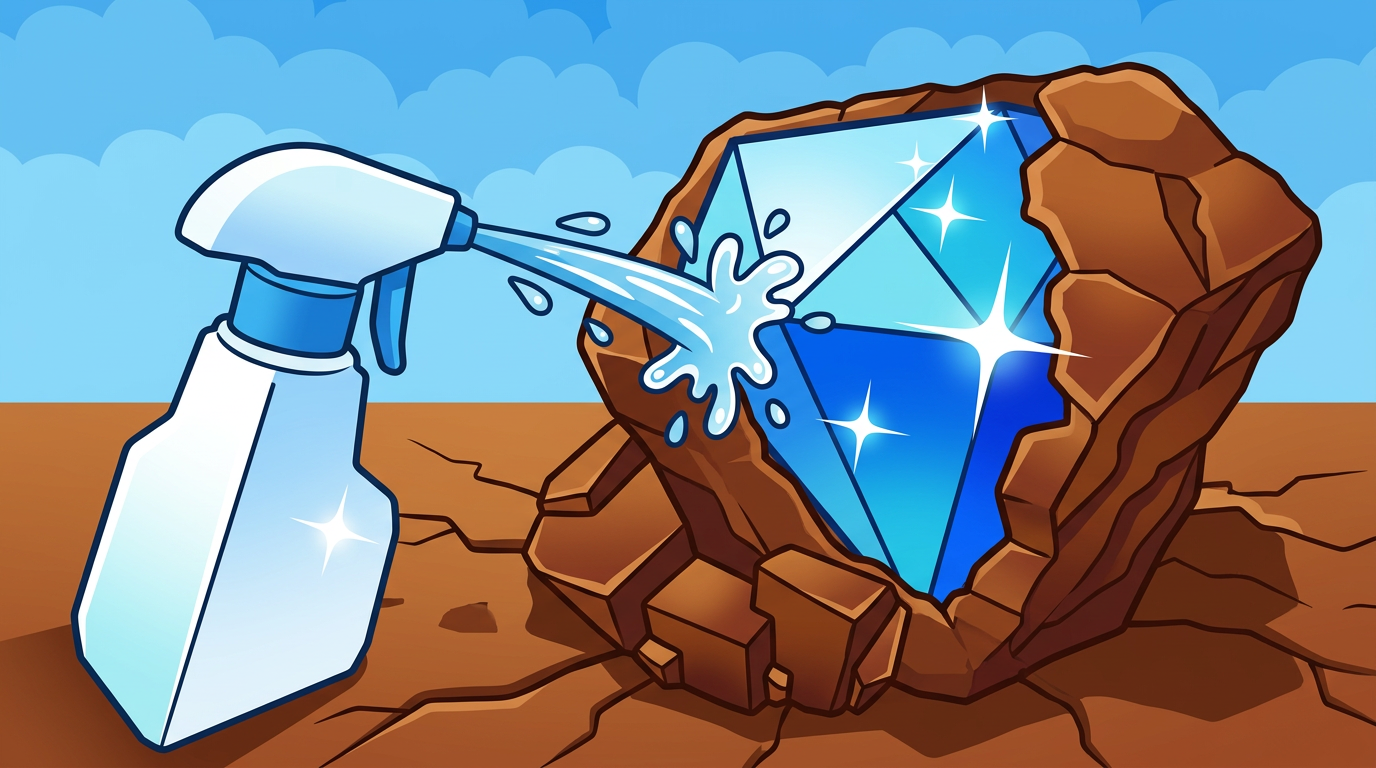
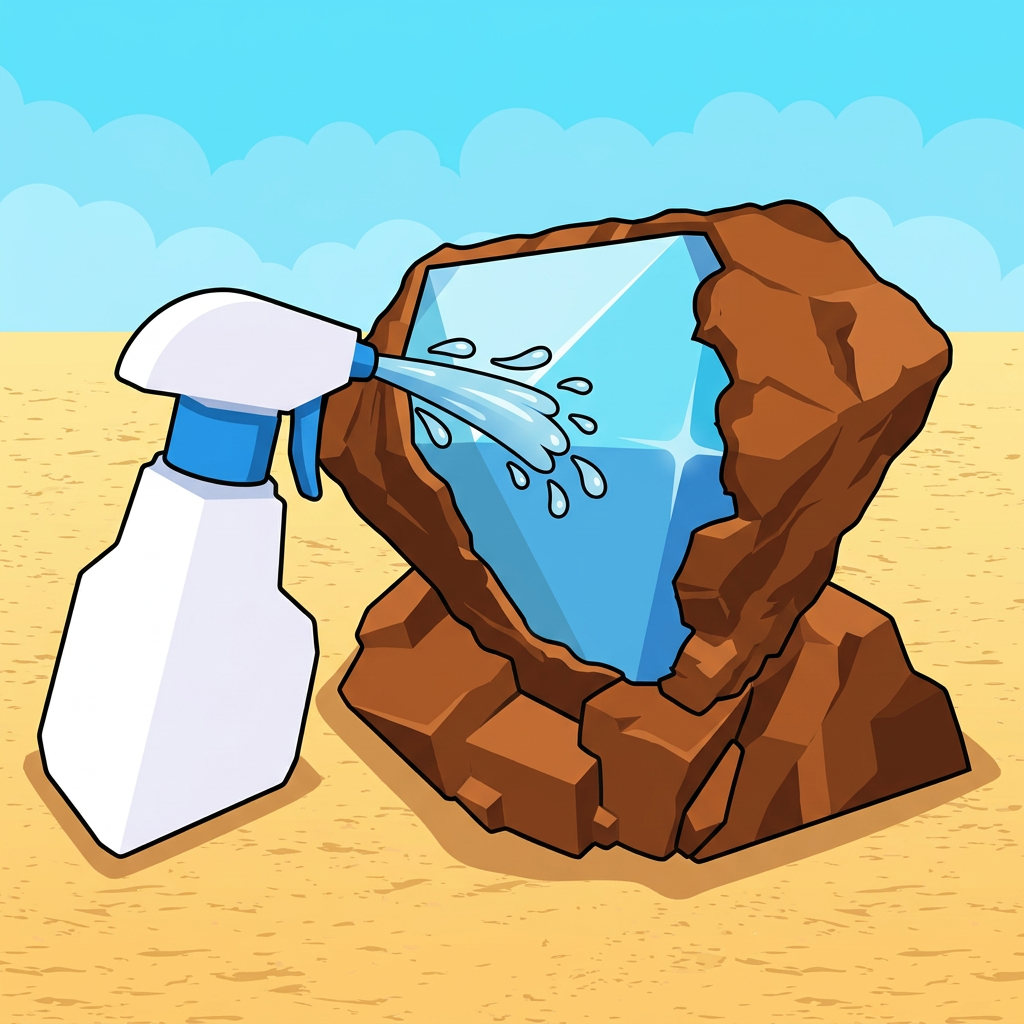
Spray the dirt off every item to reveal what you found. A plain muddy shape can hide a rare discovery.
Keep valuable finds and watch for rare or legendary treasure. Better discoveries help your collection stand out.
Place your best finds in the museum. Treat empty display space as your next treasure-hunting goal.
Progress faster
Upgrade the tool that is slowing down your current loop. If digging takes too long, improve the shovel. If cleaning holds up your discoveries, improve the spray bottle.
Faster digging means more items uncovered during every session.
Clean finds quickly so dirt does not become your bottleneck.
Use display goals to decide which treasures and areas to chase next.
Quick tips
Dig & Clean wiki
Dig & Clean is a browser digging and treasure-hunting game inspired by the popular Roblox experience. Dig up buried items, wash away the dirt, collect rare treasures, and display your best finds in a museum.
Yes. Use the game player on this page to play Dig & Clean directly in a modern desktop or mobile browser. No Roblox installation is required for this browser version.
The current Dig & Clean codes are /AUGUST2026, /DIGANDCLEAN, /CLEANUP, and /TREASURE. Enter each command exactly as shown in the in-game chat.
Open the in-game chat, type or paste a working code including the first slash, and send the message. Codes may be time-limited and usually work once per player.
Your next treasure is waiting